
SKOTIQ 8.1 · GUIDE
Your first exposure
Check focus, solving and saving before collecting a whole night.
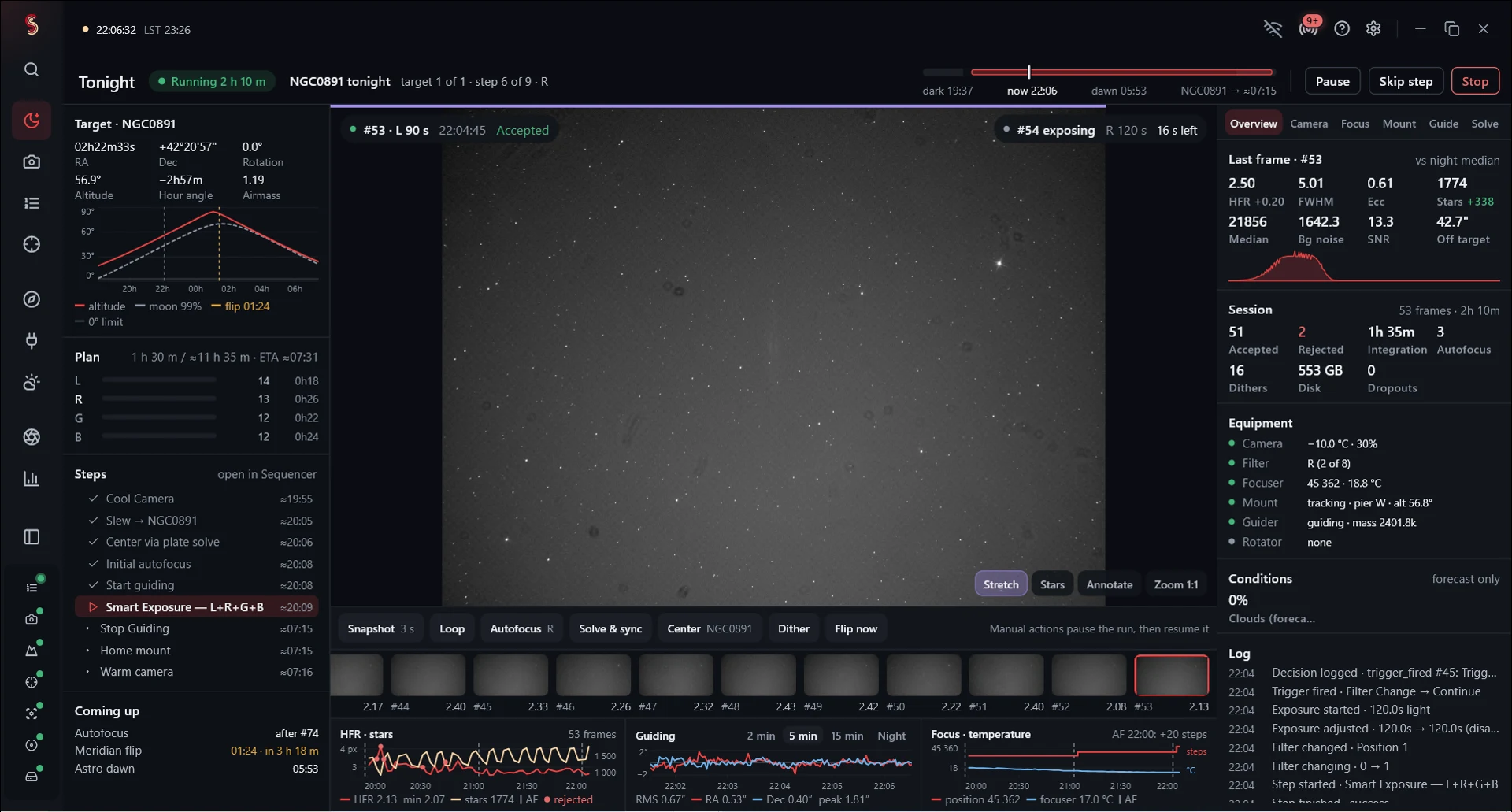
Set the camera
After connecting your equipment, open Imaging and review the Camera controls. Choose gain and offset appropriate to your camera, binning, exposure time and a writable save location.
If cooled, let the camera settle at the selected temperature. Start with a short exposure of a focused star field—one to five seconds is a useful initial test, with the actual value depending on your equipment and filter.
Capture and inspect
Take one exposure from the Capture controls. Confirm that the image appears and that its FITS file exists in the chosen folder. Use a display stretch to inspect the image; linear astronomical images often look almost black.
Inspect the histogram and star shapes. Saturated stars need a shorter exposure or a different gain. Focus the stars before plate solving.
Plate solve
Configure the solver executable and the star database it needs. Enter accurate focal length and pixel size so the solver has a sensible image scale. Solve the saved test frame before relying on automatic centering.
If solving fails, first check focus, trails, exposure and the image-scale settings.
Save a repeatable setup
Save the equipment profile, output path and target information. Once a short series captures, solves and saves correctly, move on to a complete sequence.